Get started
Install OpenFusion
Zero to your first fusion in about five minutes. You need Node.js 22 or newer — check with node --version.
The four steps
1 · Install
npm install -g openfusion-mcpPrefer not to install globally? You can run everything with npx instead — see the short paths below.
2 · Register it with your agent
npx openfusion-setupThis interactive installer asks which client you use (Claude Code, Cursor, Cline, Zed, Codex, Gemini CLI, ZCode, …), writes the right MCP config for it, and installs the openfusion skill so your agent knows when and how to call fusion.
Then restart your client so it loads OpenFusion. On first run the server starts the dashboard automatically.
Manual registration
Prefer to edit configs yourself? See Connect your agent for exact snippets for 18+ clients.
3 · Configure models and keys
Open http://localhost:9077. In the dashboard:
- Add 2–5 candidate models (a provider + a model for each).
- Pick a judge model.
- Enter an API key for each provider you referenced, and press Test to validate it before saving.
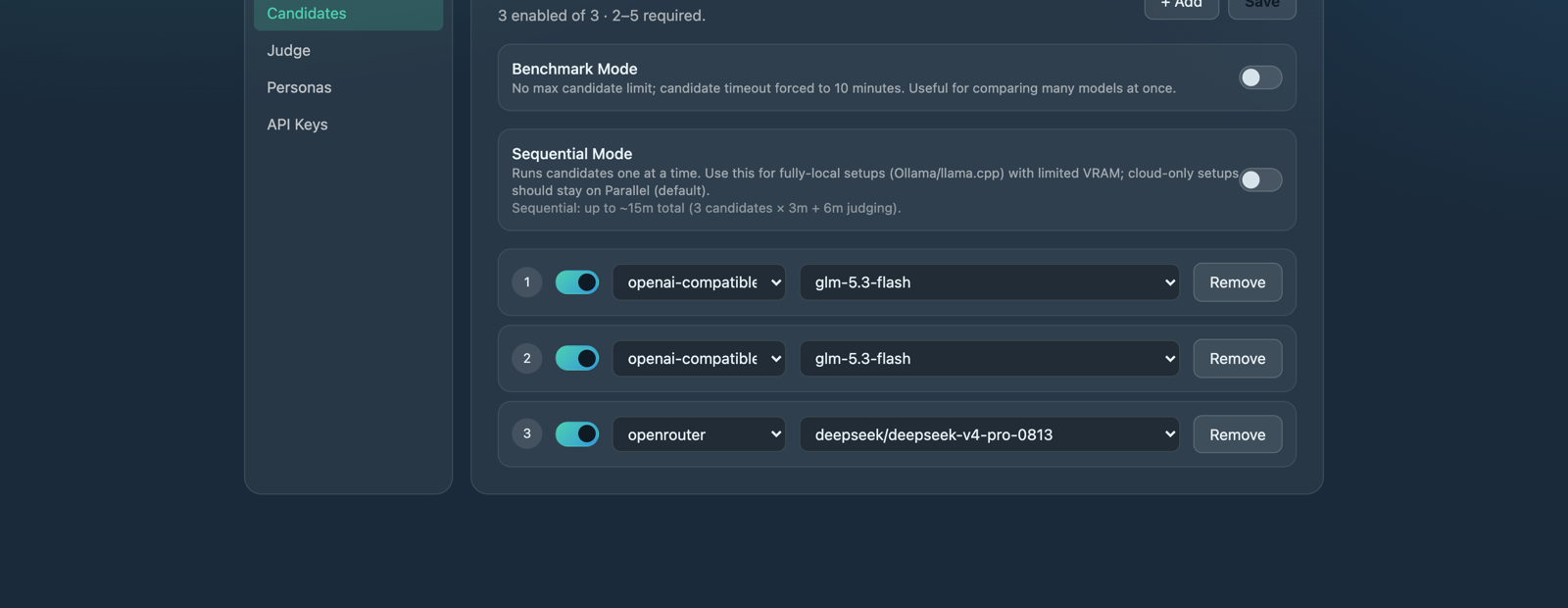
Settings — everything the fusion tool needs lives in one tab.
Keyless providers need no key: rapid-mlx (local Apple-Silicon inference) and ollama-cloud (Ollama's hosted endpoint) ship built in, and the model picker auto-discovers their available models.
When everything is set, the ● Configured badge turns green — the fusion tool works immediately, no restart needed.
4 · Run your first fusion
From your agent:
fusion({ prompt: "In one sentence, why fuse multiple LLMs?" })You should get one consolidated answer back. If instead you get an error pointing at http://localhost:9077, finish step 3 — the tool refuses to run until the panel is configured.
Shorter paths
No global install — use npx for everything:
npx openfusion-setup     # register with your agent
npx openfusion-ui        # always-on dashboard, no agent needed
From source (if you cloned the repo):
pnpm install && pnpm build     # builds server (dist/) + dashboard (ui-dist/)
node dist/index.js             # MCP server + dashboard
node dist/ui-only.js           # standalone dashboard only
Then register node /absolute/path/to/OpenFusion/dist/index.js in your client instead of the npm package.
Where your data lives
OpenFusion keeps config, encrypted keys, and its SQLite database under one directory:
| OS | Default location |
|---|---|
| macOS | ~/Library/Application Support/openfusion |
| Linux | ~/.local/share/openfusion |
The exact path prints on every startup. Set the OPENFUSION_HOME environment variable to move it — useful for keeping two separate profiles (two servers with different OPENFUSION_HOMEs see different configs). Restart the server after changing it.
Updating
Re-run the install command for your path (npm install -g openfusion-mcp, or git pull && pnpm install && pnpm build from source), then restart the server — a running process won't pick up new code. Config upgrades are automatic on load; you won't lose models, judge, or keys.
Next up
- Connect your agent — manual snippets for 18+ clients
- Configuration — the dashboard, explained